Real estate image sizes and delivery files explained
Plan portal, print and website image files, then check the crop and final listing display.
Property Photo Match editorial team · Updated 7 November 2026
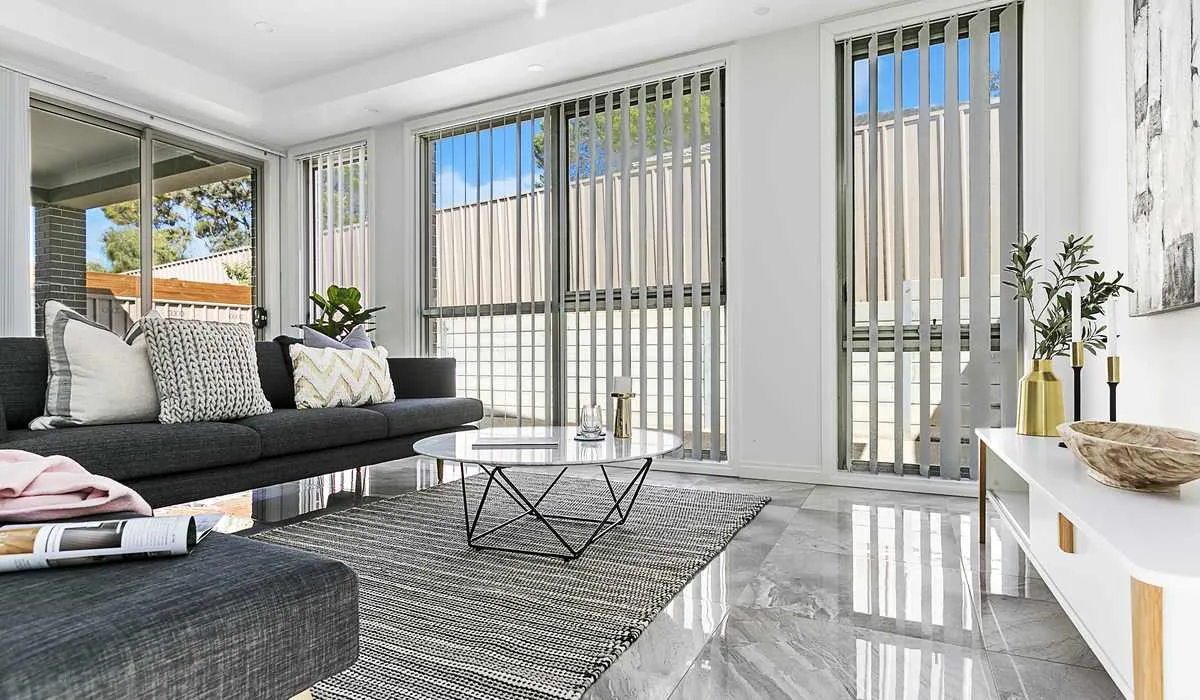
Real estate image sizes should follow the places the photographs will be used. Ask for suitable portal files, print files and any special crops in the brief, then check the delivered versions before launch.
Describe the destination first
“High resolution” is not a complete delivery specification. Your website designer may need a wide banner, the portal may apply its own crop and the brochure designer may ask for a larger original. Give the studio those destinations and any current supplier requirements rather than choosing one arbitrary pixel dimension for everything.
Ask which folder contains the full-size files and which contains smaller web versions. A compressed copy downloaded from a social-media post is not a substitute for the delivered print file. Keep the original download intact and create working copies for individual campaigns.
Check the crop as well as the dimensions
A photograph can look right in its original proportions and awkward in a narrow banner. Important details near the edge may disappear when a website automatically fills its image box. Before requesting a wide hero or portrait reel cover, tell the studio how much room needs to remain around the subject.
For example, a kitchen island close to the bottom edge may be cropped by a square card. A second angle or a deliberately composed detail can work better than stretching the first image. Do not distort the room to make a file fill a particular shape.
Give the files a manageable home
Keep a folder structure that distinguishes property, shoot date and final version. Avoid combining old campaign photographs and new photographs into a single unnamed download. If the studio issues revised files, replace the affected campaign copies and note which version is approved.
Download the complete set before the campaign deadline and confirm the files open. Check that photos, plans and video are all present when included. Keep any licence or usage terms with the files so the person publishing the campaign understands the agreed use.
Review the actual published listing
After upload, open the listing on a phone and a desktop. Look for stretched pictures, missing images, unintended rotations, crops that remove useful context and an incorrect opening photo. A correct file in a download folder does not prove the portal is displaying it correctly.
Send our team the media destinations and launch date with your enquiry. We can confirm the required deliverables and handover arrangement for the property instead of promising a universal file package.
Planning a property campaign?
Tell our team the property location, media required and file deadline. JR Photo & Video fulfilment, with scope and availability confirmed before booking.