Genuine app screens. A clearer property workflow.
The listing media.
In one place.
FotoPal supports the route from a property booking request to the media gallery. These are actual FotoPal Agent app screenshots, using fictional demonstration properties and people.
Actual FotoPal Agent app screenshots with fictional demo properties and people. Screens illustrate the app; account features, availability and booking confirmation are agreed separately.
See where the property stands
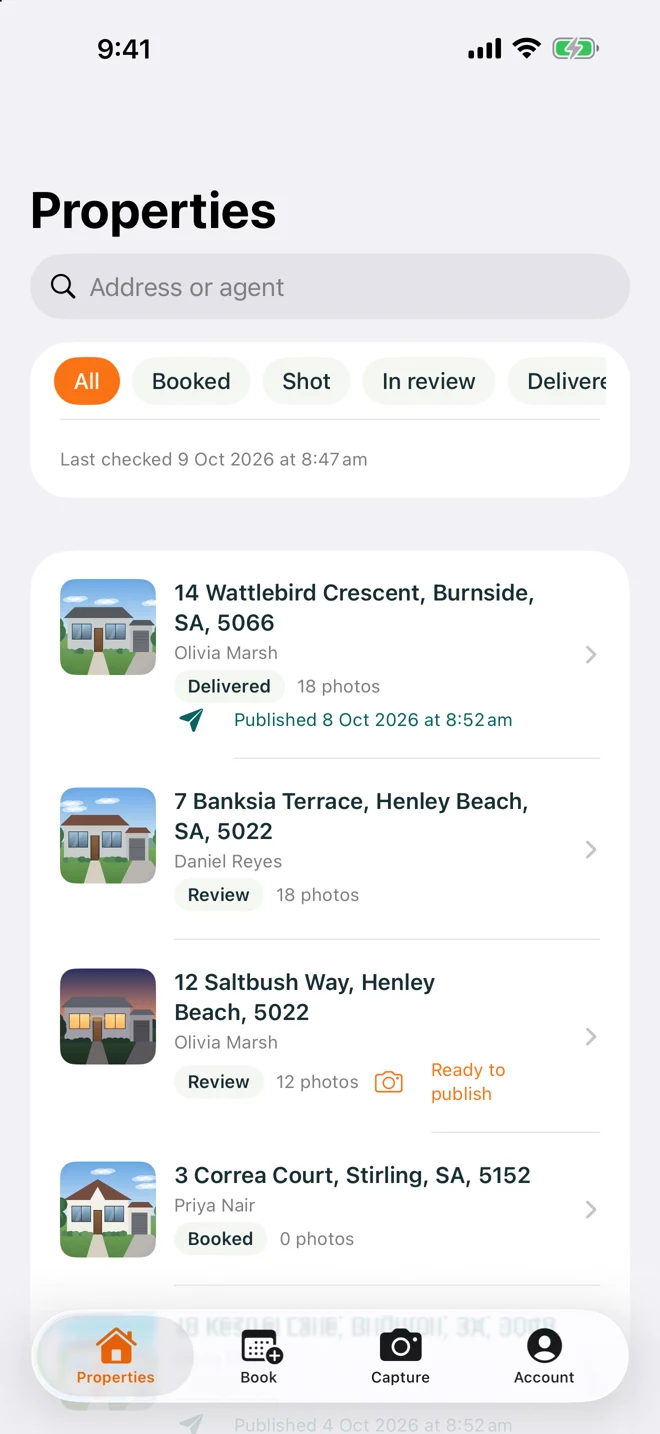
The property list displays example booking and media states. It gives an agency a view of which properties are booked, photographed, in review or delivered in the demonstrated workflow.
Find the gallery and media
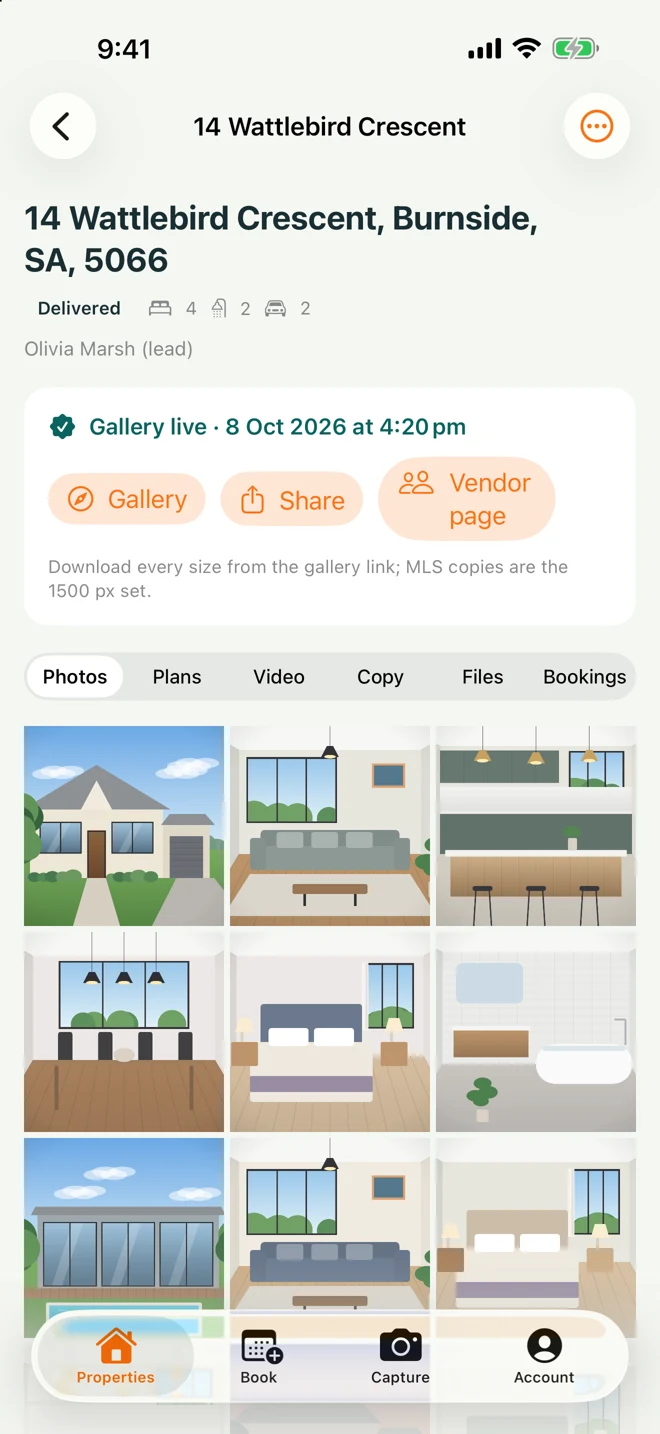
The property view brings gallery access and media sections together. The example shows photo, plan, video and file tabs; the deliverables available for a real booking depend on its agreed scope.
Request a suitable time
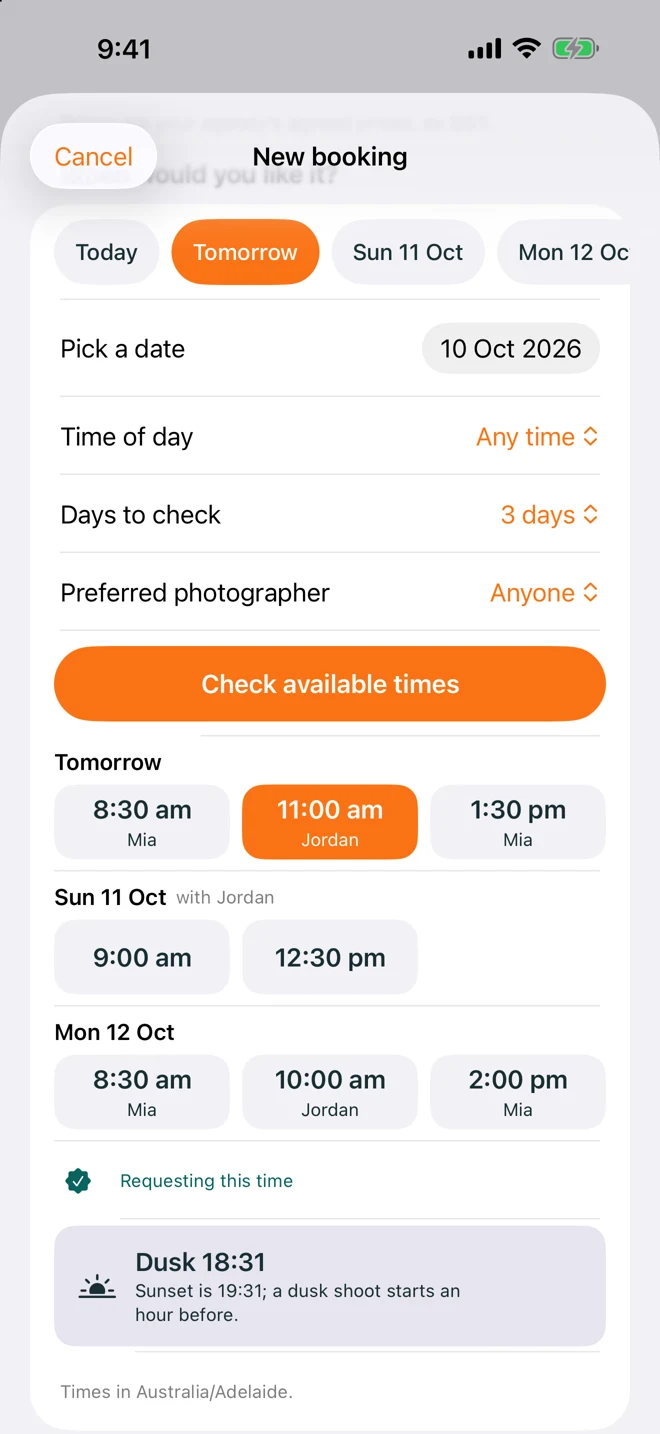
The booking view shows an example date and time selection. A screen displaying an example slot does not establish live availability for your property. Your requested appointment still needs the studio's confirmation.
Set the workflow up around your agency
Account access, enabled features, catalogue and the practical studio process are confirmed before rollout. Our team can discuss how FotoPal fits the JR Photo & Video booking arrangement without assuming that a demo is an activated customer account.
Discuss a property shoot ↗