Real estate reels: plan portrait video properly
Plan portrait framing, text, sound and final versions for a useful real estate reel.
Property Photo Match editorial team · Updated 7 November 2026
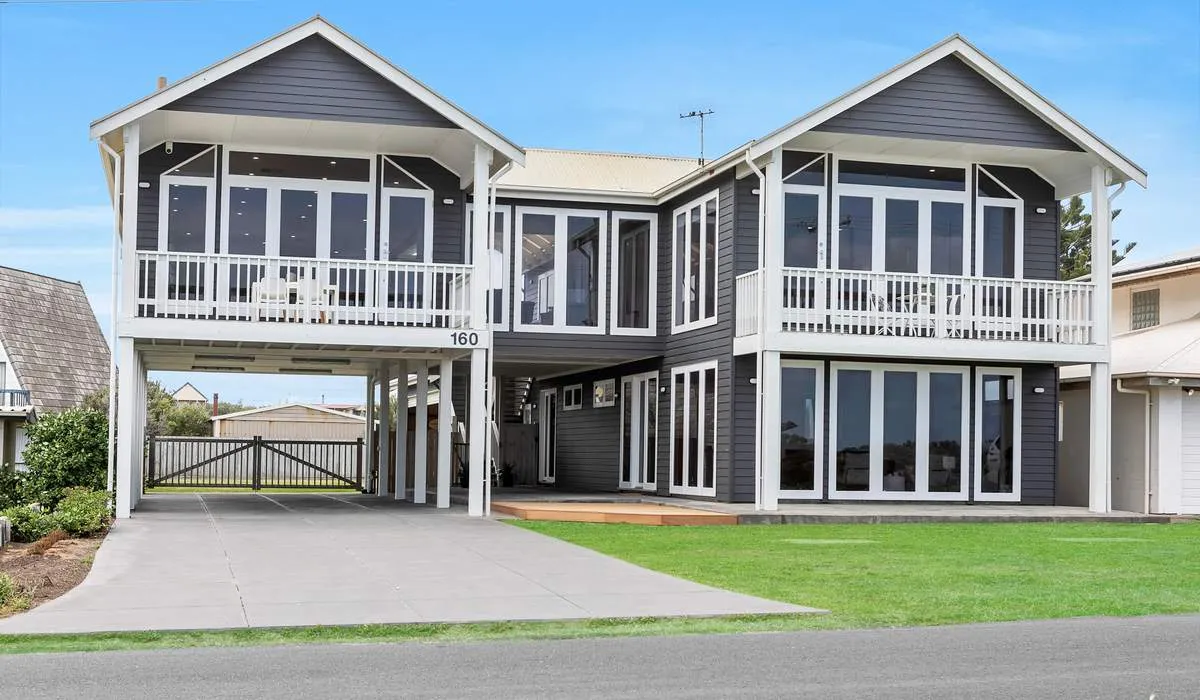
Real estate reels work best when portrait framing, the opening scene and the intended channel are planned before the shoot. Cropping a finished landscape film is not always the best way to produce a useful vertical version.
Choose one clear message
A short reel does not have to describe every room. It might introduce the principal living area, the connection to the garden or a distinctive architectural feature. Decide which message matters before filling the edit with unrelated details.
Tell the videographer whether the reel promotes the property, the agent or a specific inspection. Those purposes call for different words and closing frames. Confirm whether details such as an inspection date should be built into the video or added in the publishing platform so they can be changed later.
Compose for a phone screen
Portrait framing changes what fits in the picture. A wide kitchen may need a different camera position from the landscape listing film. Ask for deliberate vertical capture where the scope calls for it, especially if a key feature would sit outside a centre crop.
Leave room for captions and platform controls when planning text placement. Check the actual export on a phone. A caption that looked generous on a large editing monitor may be too small, or covered by an interface button, in the final post.
Prepare the text and sound
Keep factual statements aligned with the approved listing information. Avoid adding claims about a view, boundary, room use or walking time without the agent checking them. An attractive short video still needs an accurate description of the property.
If speech is included, arrange a quiet recording opportunity and review the captions for names, addresses and place names. Confirm the permitted music use for the intended channels rather than assuming a track available inside one app can be used everywhere.
Confirm the versions
Specify the number of reels, their approximate purpose, branding and whether clean versions without dates or text are needed. A new opening, different message or extra duration may be a separate edit rather than a simple file export.
Keep the approved final files in the campaign folder and label them clearly. When an inspection date changes, check all scheduled versions before publication. Send our team your intended channels and key message with the booking enquiry so the portrait media can be scoped from the start.
Planning a property campaign?
Tell our team the property location, media required and file deadline. JR Photo & Video fulfilment, with scope and availability confirmed before booking.