Walkthrough video or virtual tour: choose by use
Compare an edited property video with an interactive virtual tour by purpose and deliverables.
Property Photo Match editorial team · Updated 7 November 2026
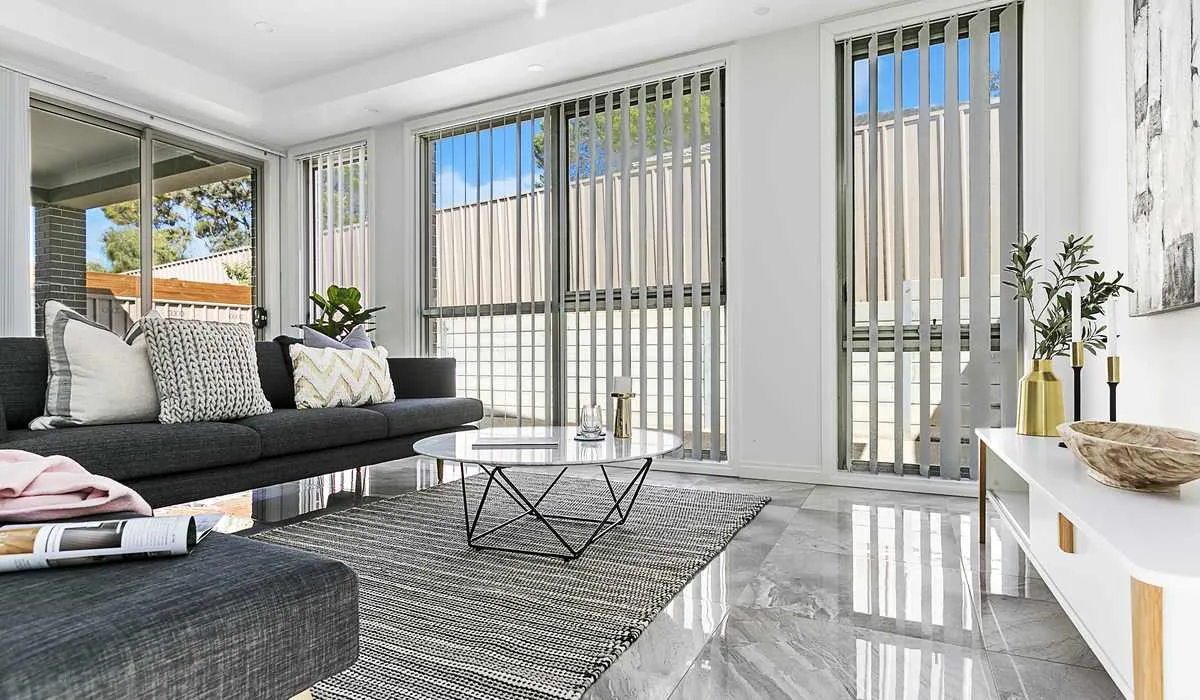
A walkthrough video guides viewers through an edited sequence. An interactive virtual tour lets viewers choose where to look or move within the available capture. Choose by the viewing experience the campaign needs, then confirm exactly what is included.
Ask what viewers should be able to do
If the aim is a concise introduction to the home, an edited video can establish the principal rooms and outdoor setting in a deliberate order. Music, captions or an agent introduction can support that sequence when included in the brief.
If the aim is to let a remote viewer explore the layout at their own pace, an interactive tour may be useful. Ask for a real example of the proposed tour format. The words “virtual tour” are sometimes used for different products, including a slideshow, a video and a navigable space. The label alone is not a specification.
Compare the deliverables
For video, ask about running time, orientation, branding, sound, hosting and the delivered files. For an interactive product, ask about the viewing link, access, ongoing hosting term, device support and what happens when the campaign ends. Confirm whether the product works where the agent intends to publish it.
A floor plan can remain useful alongside either product because it gives a quick overview of the room arrangement. Still photography has a separate job in the listing gallery. Avoid treating one media type as an automatic replacement for every other part of the campaign.
Consider preparation and privacy
Both formats need the property ready, but the capture approach may differ. Ask what will be visible beyond a single carefully framed angle and whether personal items need to be moved from a wider area. Clarify any rooms that should be excluded before the visit.
For an occupied property, coordinate the session through the authorised contact. A tenant or owner should not have to discover the intended scope while equipment is being set up. Discuss access, pets and other contractors when the appointment is planned.
Make the decision practical
Request a sample, a written scope and the relevant delivery conditions. Compare those with the campaign’s purpose, property layout and available budget. There is no need to order an interactive product merely because the name sounds more advanced.
Tell our team how you expect prospective buyers or tenants to use the media. We will confirm which services are available for the property and quote the agreed scope, rather than implying every booking includes every tour format.
Planning a property campaign?
Tell our team the property location, media required and file deadline. JR Photo & Video fulfilment, with scope and availability confirmed before booking.